


Powered by AI
Tumblr management tools for business
Manage your Tumblr content creation with ease by taking advantage of Vista Social’s post creation and publication capabilities. Put your Tumblr posting strategy on autopilot.
Enterprise-grade everything

Why Vista Social
Everything you need for Tumblr management
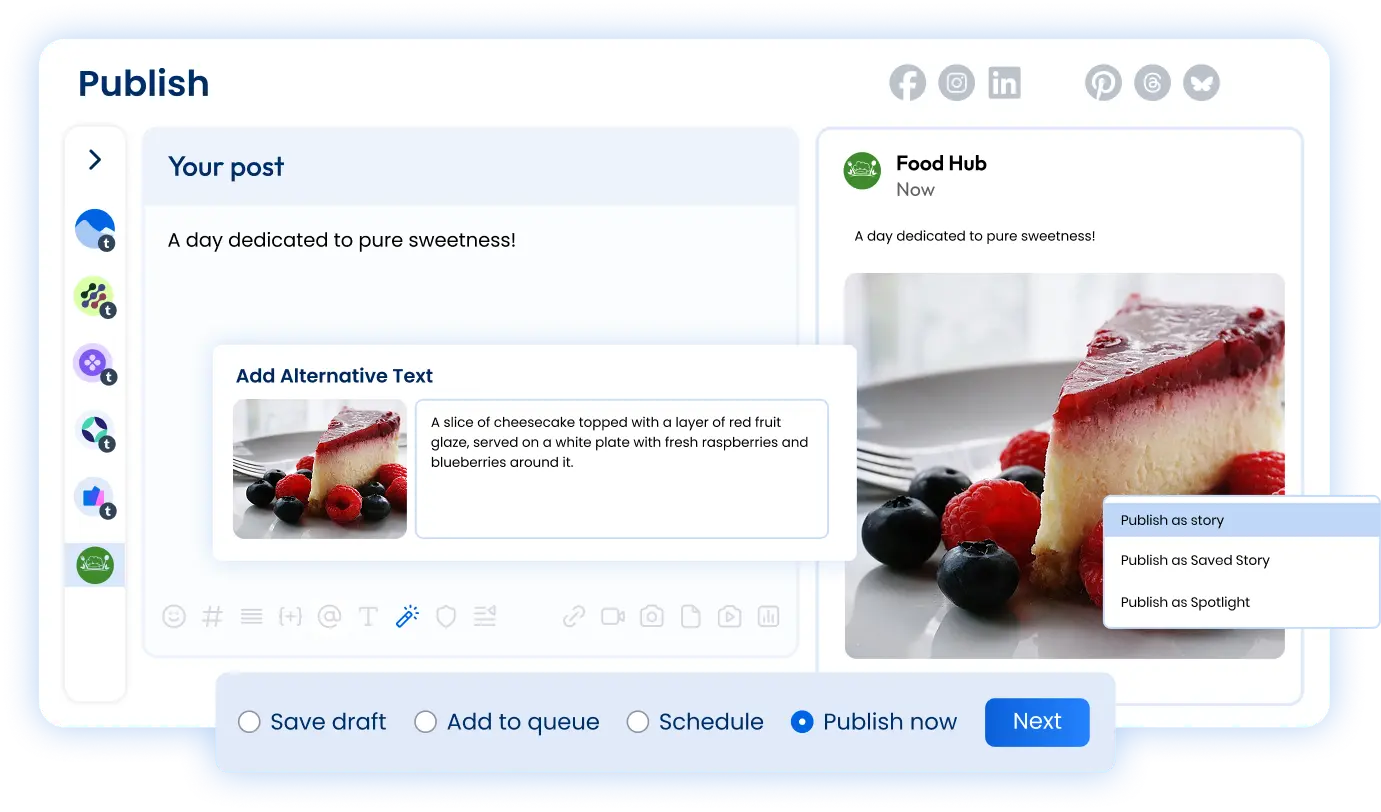
Connect one or multiple Tumblr profiles to Vista Social and start creating engaging content. Vista Social’s interface makes it easy to properly format your Tumblr content, organize it with tags, and even add a URL slug for searchability.
Keep your Tumblr presence active

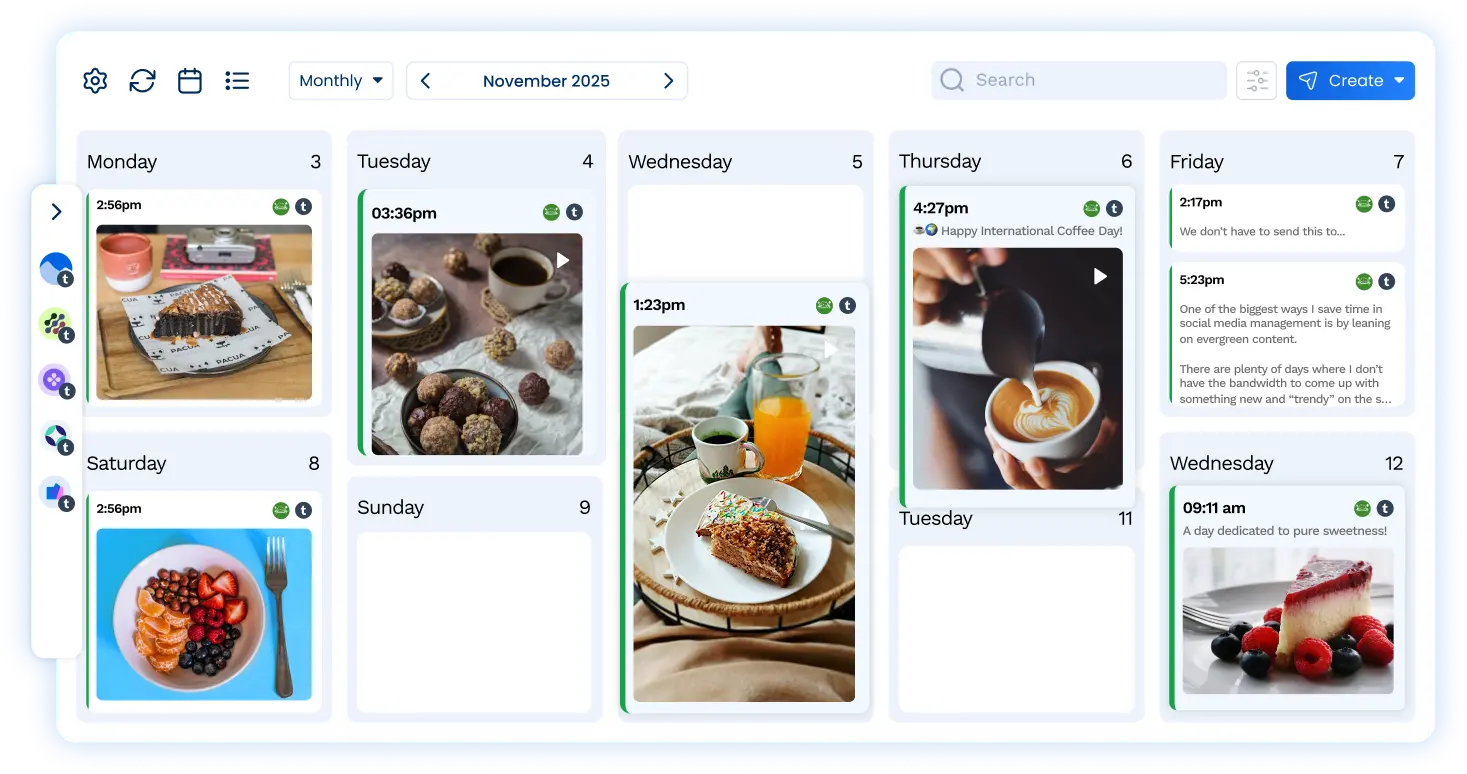
Make sure your calendar is always full of Tumblr posts getting ready to auto-publish to your blog. Use the AI assistant to help you plan and create new content.
Create multimedia posts with ease

Vista Social supports text-only, image, video, GIF, and link posts for Tumblr. Share all the information you need in your Tumblr posts, then schedule to your calendar.
Perfect your Tumblr post formatting

Add a title, body content (up to 2,000 characters!), any media (photos, videos, or GIFs) you want, a URL slug, and tags to categorize your content before publishing.
Publishing
Build an impactful Tumblr strategy for your brand
Create multiple Tumblr posts in one sitting
Vista Social makes it easy to sit down and write out one Tumblr post after another, scheduling them throughout the week or month, and helping you stay active.
Get AI assistance for post generation
The AI assistant can help you come up with relevant content ideas and create new content in your own brand voice so your Tumblr content calendar is never empty.
Organize your social media calendar
Easily drag and drop your scheduled Tumblr posts around the content calendar to make sure you’re posting the right topic on the right day before they go live.
Features
Take your Tumblr marketing to the next level

Scheduling
Input and schedule multiple social media posts to keep your Tumblr presence active and engaging.

Boosting
Boost high-performing Tumblr posts to reach an even wider audience, increase engagement, and grow your following.

Optimal send times
Find the best times to publish your Tumblr posts based on when your specific audience is most active.

AI Assistant
Create even more on-brand and engaging Tumblr content with the help of Vista Social’s AI assistant.

Media library
Upload and organize images, videos, PDFs, and more to the Vista Social media library to include in your Tumblr posts.

Post queues
Set predefined times of when you would like to post to Tumblr so you can easily add new posts to your queue.

Shared calendar
Manage Tumblr content in a collaborative visual calendar so everyone on your team is on the same page.

Mobile app
Seamlessly manage your Tumblr presence on-the-go with Vista Social’s easy-to-use mobile app.

URL Tracking
Add tracking data to your Tumblr links to get an even better look into your overall content performance.
FAQ
Frequently asked questions
Yes, you can connect multiple Tumblr profiles to your Vista Social account and schedule your posts. The number of profiles you can connect depends on your plan. See plans.
Yes, you can publish video posts to Tumblr profiles right from your Vista Social account. Each Tumblr post can include one video.
Yes, you can publish single and multiple image posts to Tumblr profiles right from your Vista Social account.
Not at the moment. Tumblr comments aren't available in the Vista Social Inbox, so replies need to be handled on Tumblr. You can still schedule posts to your Tumblr profiles from Vista Social.
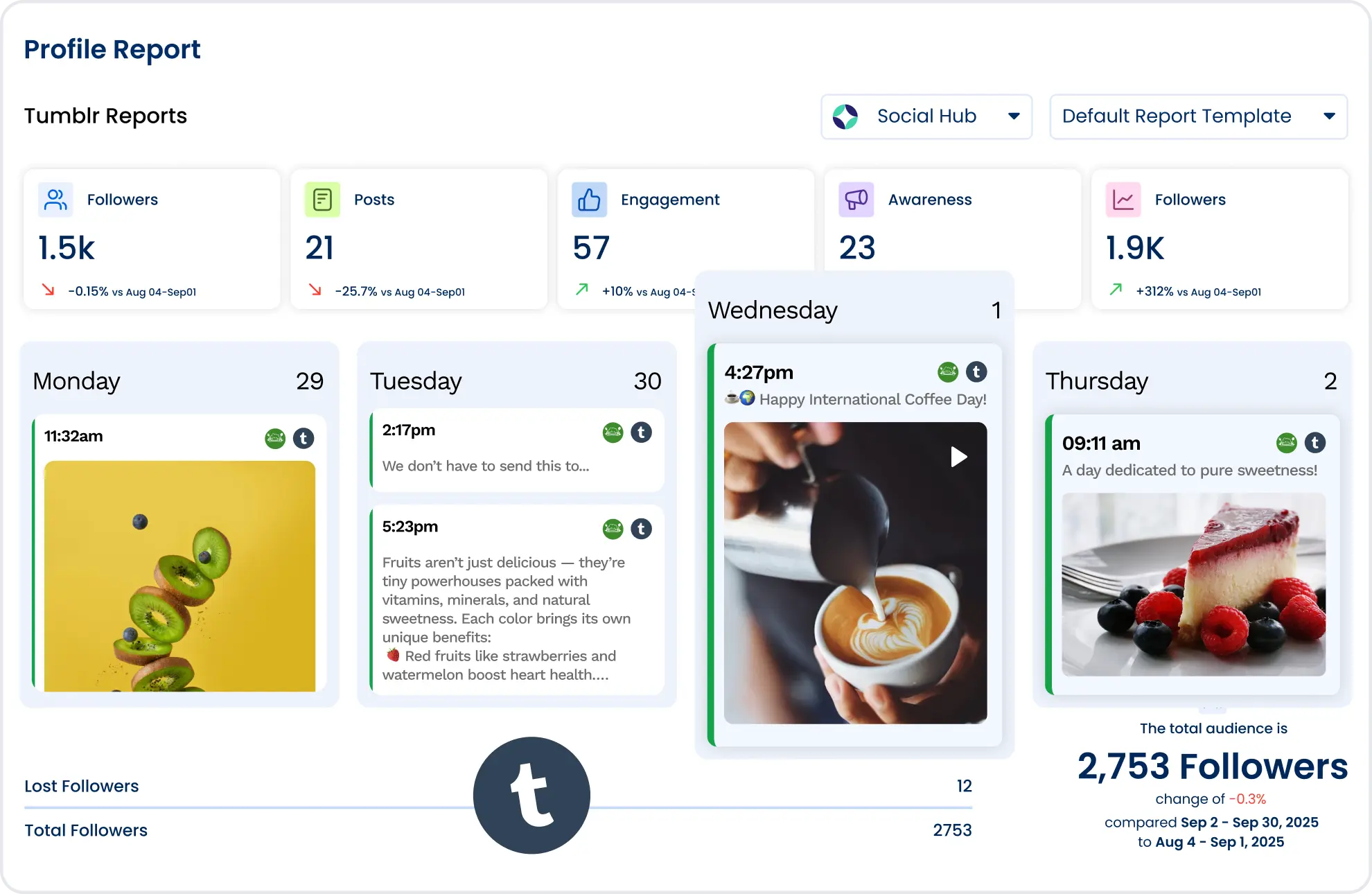
Yes, we offer a comprehensive set of reports that include Tumblr. These reports can be scheduled and exported in CSV and PDF formats.
Used every day by teams at
Put your Tumblr blog on a schedule you can trust.
No credit card required.